 Freelance Dog Walks
How-to guides
Step-by-step walkthroughs of the app, one topic at a time. More guides are on their way; this shelf grows as they land.
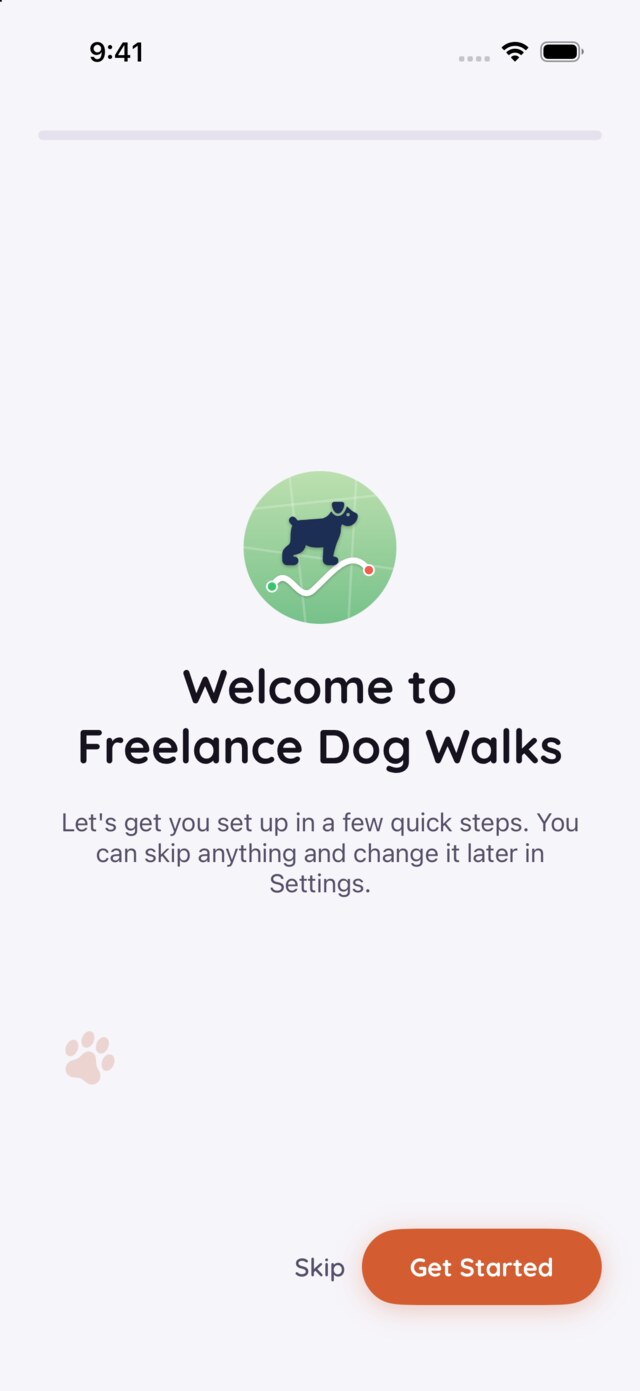
Getting set up, step by step
What onboarding asks and why, the two ways to add the dogs you walk — owners, co-owners, and every field explained. Covers the iPhone app.
Read the guide →
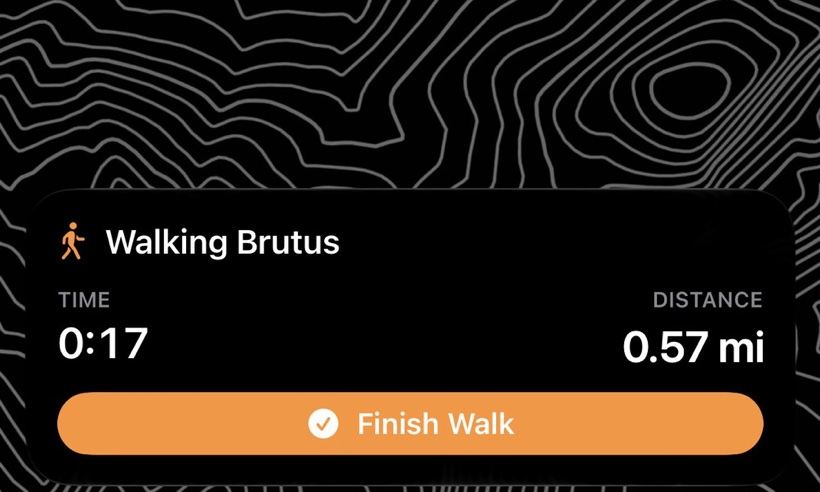
The walk itself
Every place a walk can start and finish, notes, bathroom breaks and photos along the way, rescue from any interruption — and the Apple Watch.
Read the guide →
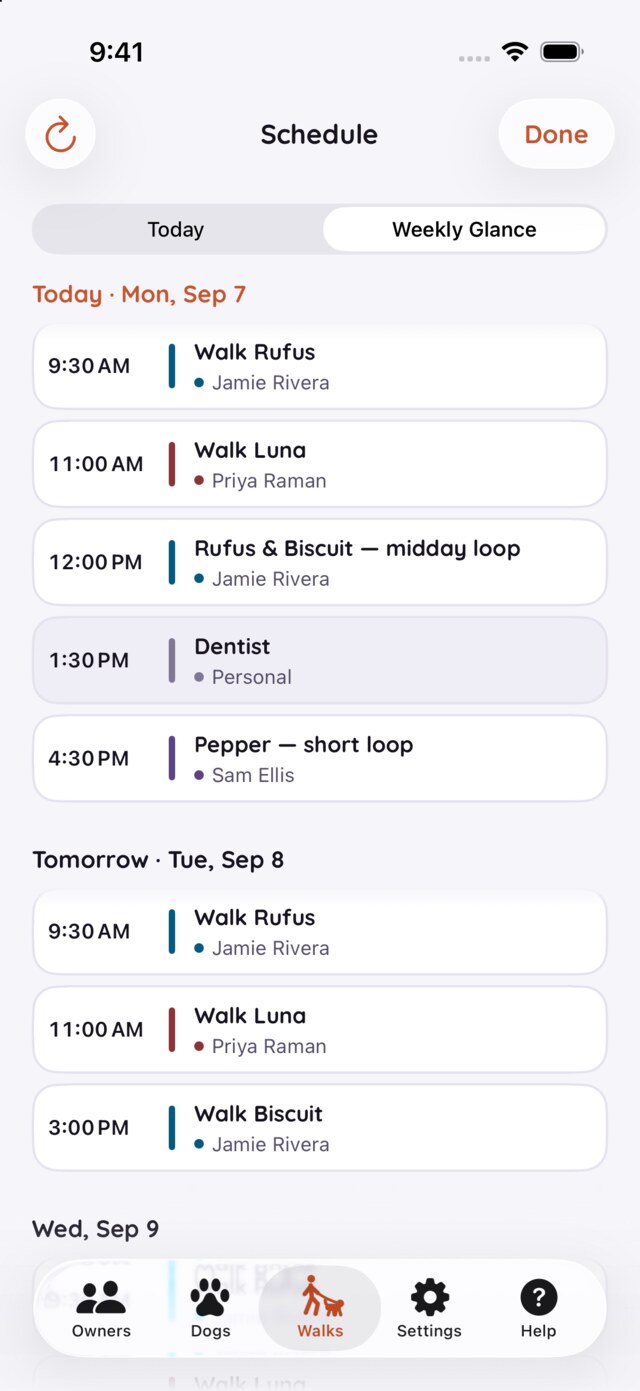
Scheduling, from calendars you already keep
Turn on calendar access, connect each owner's calendar, weave your own in for context, and edit any booking right where you see it.
Read the guide →
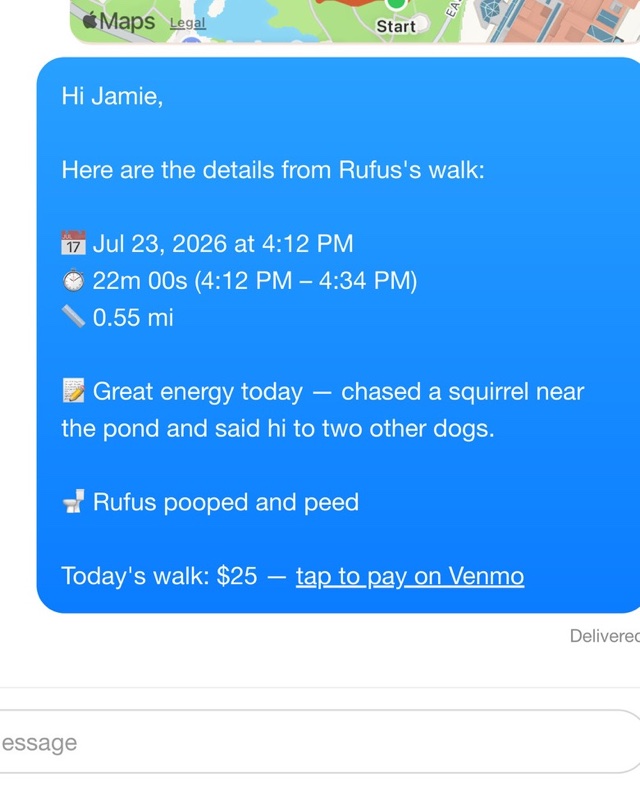
Getting paid, your way
Pay links on recaps and invoices, one-tap payment requests, per-walk costs, and what Unrequested, Requested and Paid mean.
Read the guide →
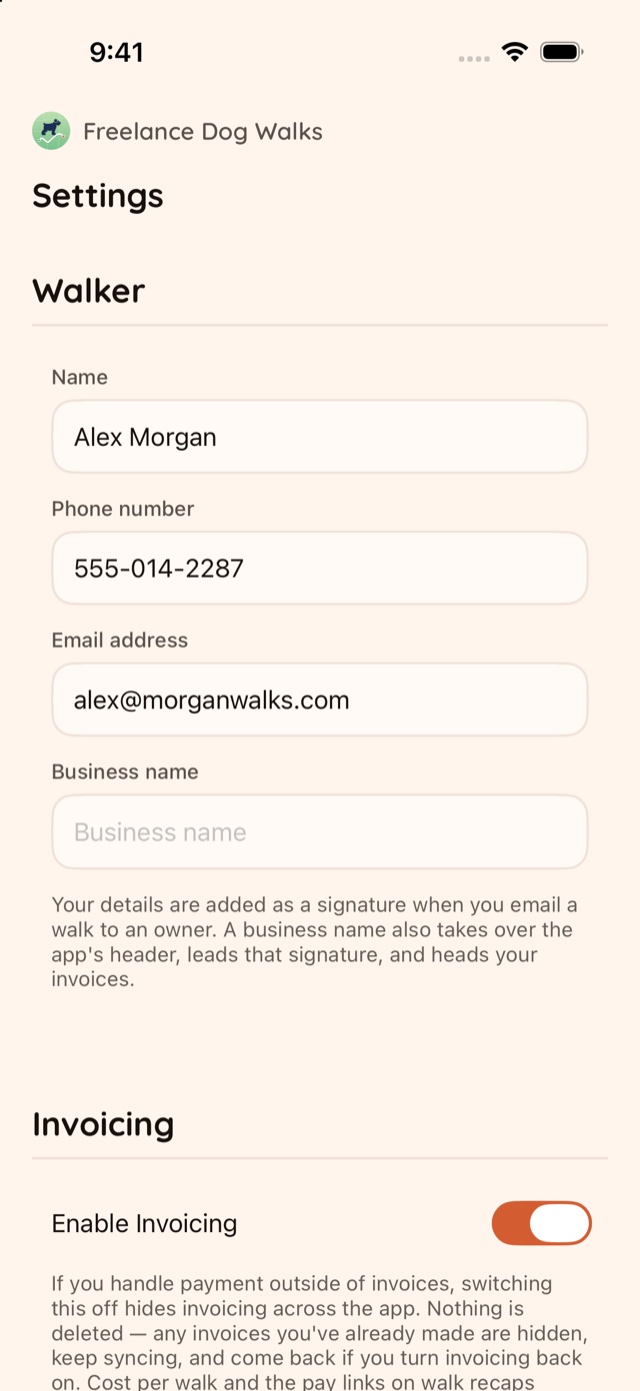
Settings, top to bottom
Every section of Settings explained — what each field does, which ones onboarding already asked, and where the careful switches live.
Read the guide →
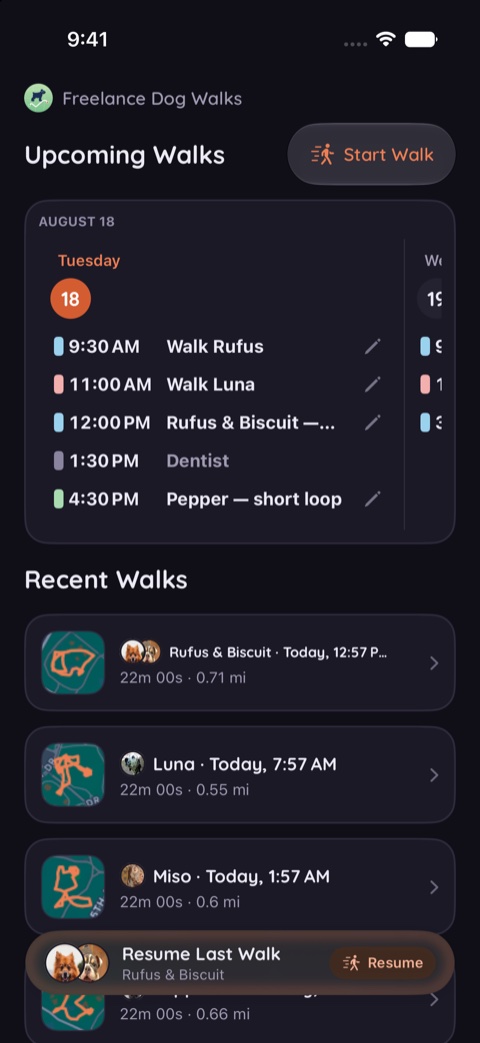
Changing the look
Warm, Slate, Meadow and Dusk — every theme in light and dark, on the real screens, and where to pick yours.
Read the guide →
Looking for an answer rather than a walkthrough? The FAQ is the quicker read, and Support is one email away.