Freelance Dog Walks
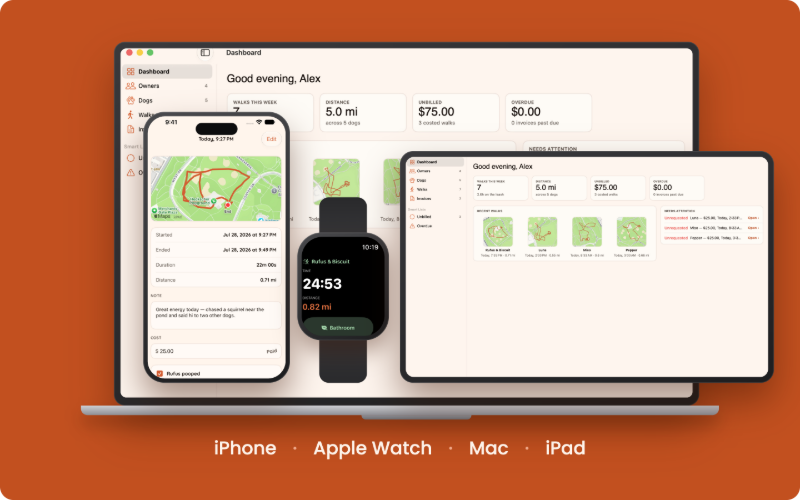
Plan the week from your owners' calendars, track every walk with GPS, send a beautiful recap, and request payment — from your iPhone, your Apple Watch, and your Mac or iPad.
What the app does
Track every walk
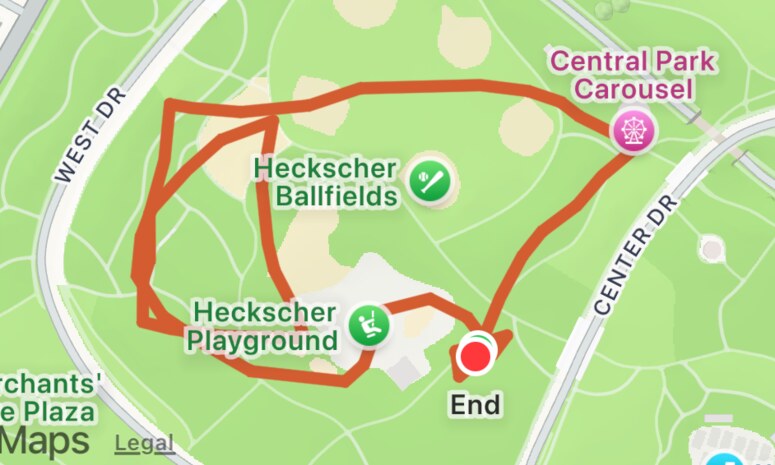
Live GPS route mapping with real-time distance and duration — and it keeps recording even with the screen off.
Keep your history tidy
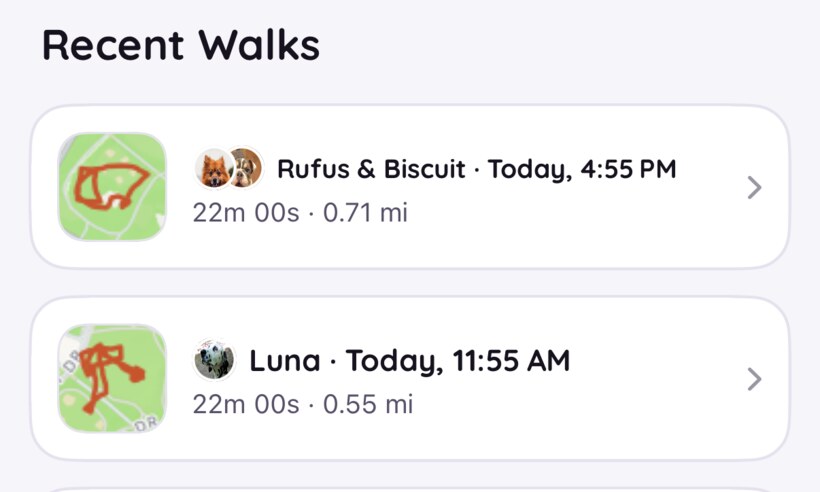
Older walks tuck themselves away automatically, and you can archive a walk, a dog, or a whole owner by hand. Archiving an owner puts their dogs and walks away with them — and restoring brings back exactly what that tucked away, leaving anything you filed separately where it is.
Start it from your wrist
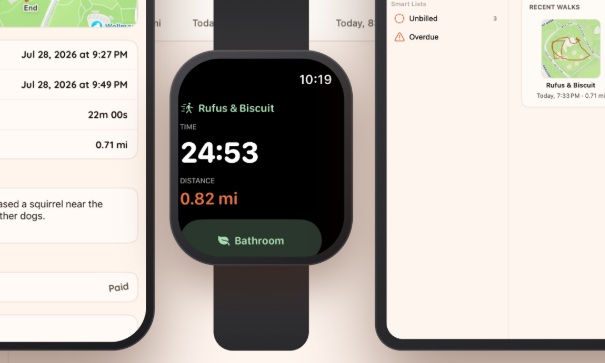
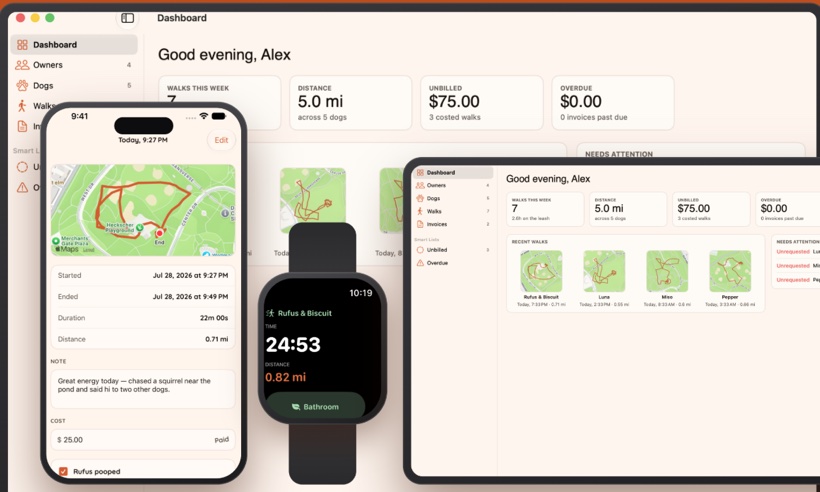
Begin a walk on your Apple Watch — one dog, or the whole pack. Time and distance tick away on your wrist, you can flag bathroom breaks dog by dog, and finish without getting your phone out. Your iPhone does the tracking and saves it all.
The desk work, on your Mac and iPad
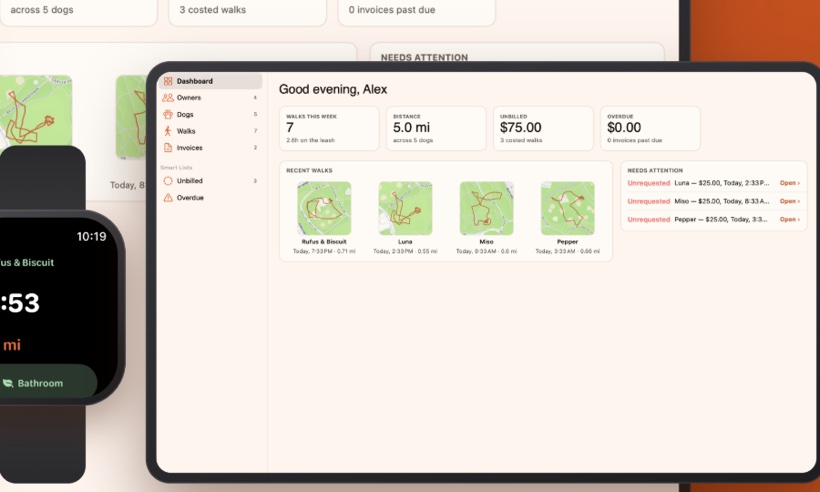
Sit down at the end of the week and go through it all on a bigger screen — check the walks, fix a cost, put an invoice together, see what's still owed. Everything's already there over iCloud, on your Mac or your iPad — and the iPad desk is part of the iPhone app, so there's nothing separate to buy. The walking stays on your phone, where the dogs are.

All the dogs, at a glance
Contact details live with the people, not copied onto each of their dogs — add a co-owner (or several) and recaps, texts, and invoices reach the whole household. Change a number once and it's right everywhere.
The week, before it happens
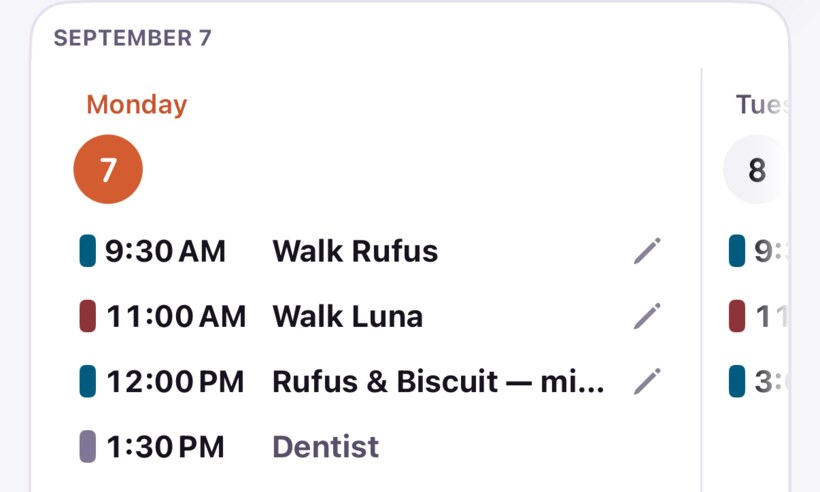
Connect a calendar for each owner and every booked walk lines up in the app — swipe through the days on your iPhone, see whole months on your Mac or iPad, and edit a booking right where you see it. And when the next walk is minutes away, one tap starts it.
Follow along live
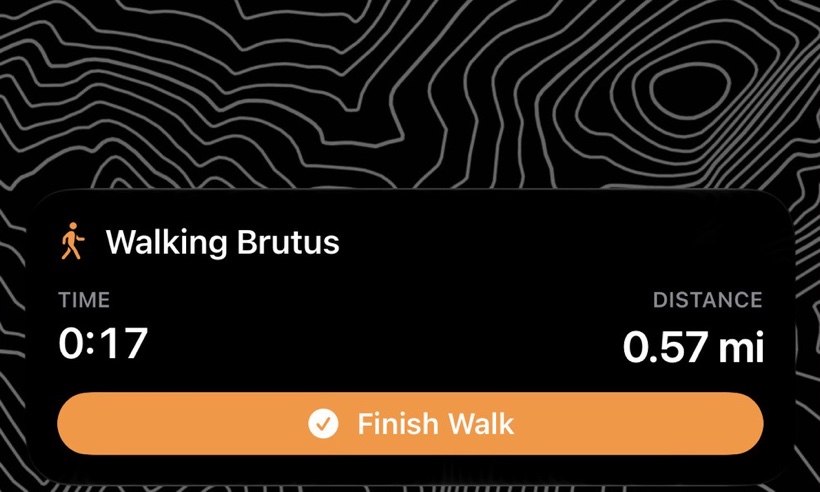
See a walk in progress right on your Lock Screen and in the Dynamic Island — live duration and distance, and you can finish the walk without unlocking.
Capture the details
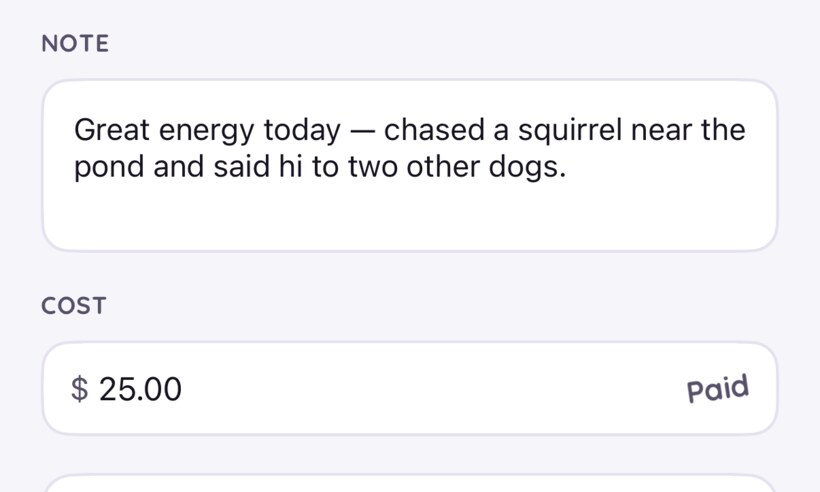
Add a note and up to twelve photos to any walk — even while you're still out walking — share bathroom break details, then review the map, duration, and distance.
Share in seconds
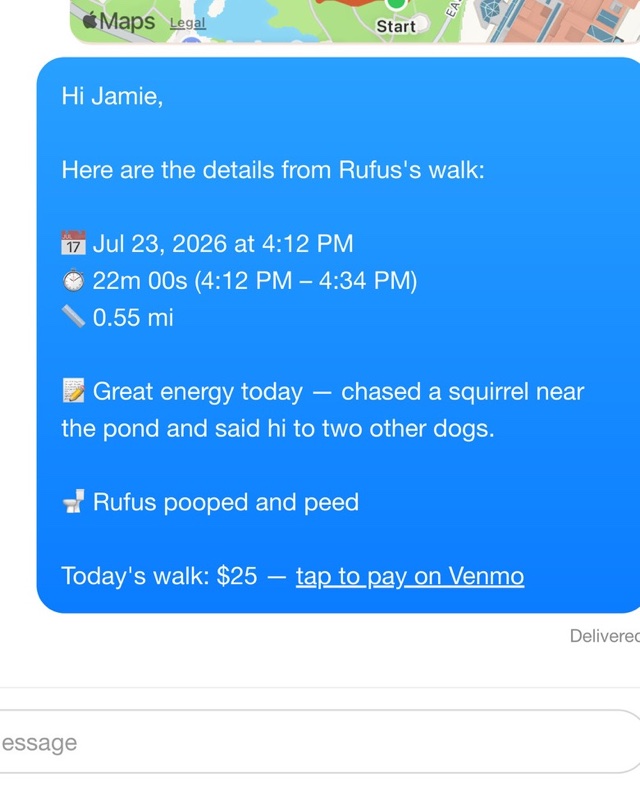
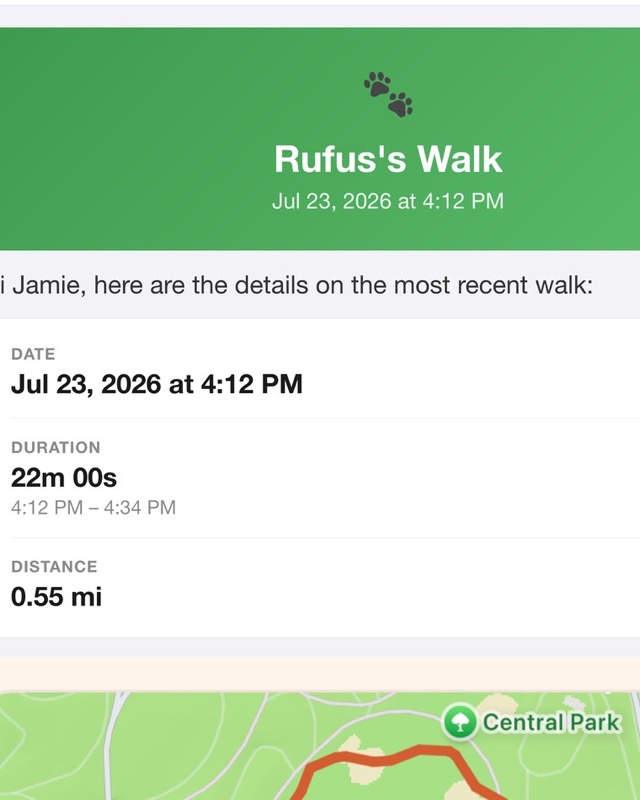
Send owners a polished recap by text or email — route map, photos, stats, and your note, signed with your details and sent from your own address.
Know what's owed
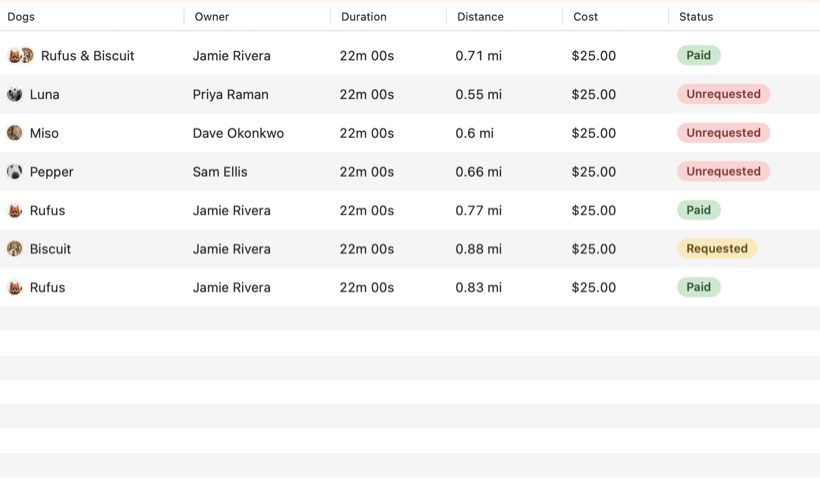
Every walk with a cost says where the money stands — unrequested, requested, or paid — right on the walk, so nothing slips through the cracks.
Private & synced
Your data stays on your device and in your private iCloud, syncing across your devices — and is only shared when you choose.
Try it free, then it's yours
Take the whole app for a spin with a free 7-day trial. After that a single one-time purchase unlocks it for good — no subscription, no monthly bill, and nothing to cancel.