 Freelance Dog Walks
The walk itself
The whole app exists for the twenty-two minutes you're out with a dog — so the walk is reachable from everywhere, hard to lose, and easy to finish with one thumb. This guide covers the iPhone app, and ends where walks increasingly start: your wrist.
Starting a walk
A walk can begin from wherever you happen to be standing:
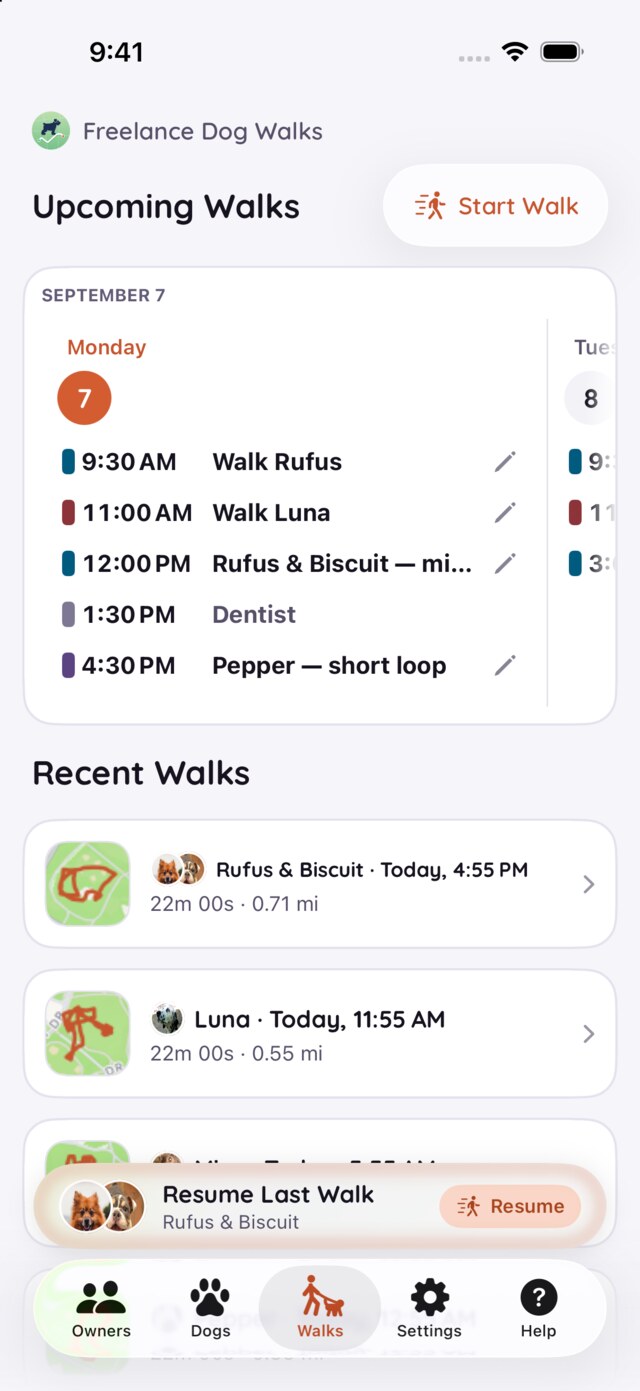
- The Walks tab — the Start Walk button sits at the top. Pick a dog or a whole household's pack, and you're tracking.
- A booking on the schedule — when a booked walk is minutes away, its row grows a Start chip: one tap, a quick confirmation of which dogs, and the booking becomes the walk.
- The Home Screen — press and hold the app icon and Start a Walk is right there in the quick actions, before the app is even open.
- Your Apple Watch — the whole start-to-finish loop works from the wrist; that's the last section.
While you walk — notes, breaks, photos
Once tracking starts, the walk screen takes over: the route draws itself on the map as you move, with the time and distance counting live below it — and it keeps recording with the screen off, phone in pocket.
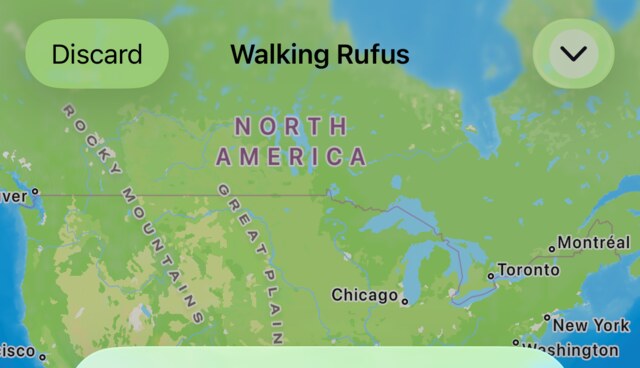
The walk screen's header — the dogs' names, Discard, and the minimize chevron
Everything you'd want to capture mid-walk lives on this one screen:
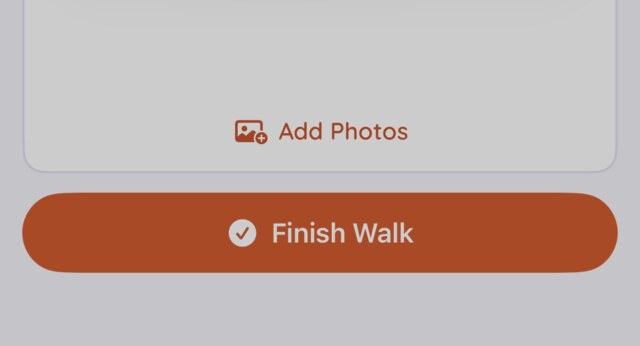
- Photos — the photo card sits under the numbers, in the same place all walk long: Take Photo opens the camera without leaving tracking, Add Photos picks from your library, and up to twelve photos ride along on the walk. They're also where dog portraits come from.
- Everything else — tap Add more details, beside the distance and time, and the note, the cost and the bathroom breaks open right there. Type the note while it's fresh: the squirrel, the limp, the neighbor's gate left open. Flag breaks dog by dog as they happen, and the recap can report them just as plainly ("Rufus pooped and peed"); with a pack out, each dog keeps its own tally. Close tucks the fields away and gives the map its room back.
The photo card and Finish Walk, always at the bottom
Discard, up in the corner, is for the false start — the walk that never was, gone without a record. Everything else waits for Finish — and nothing here is a one-shot: the note, cost, breaks and photos all edit again on the walk's page afterwards.
Finishing — from anywhere
The walk ends where it's most convenient, not where the app happens to be:
- In the app — the Finish Walk button at the bottom of the walk screen.
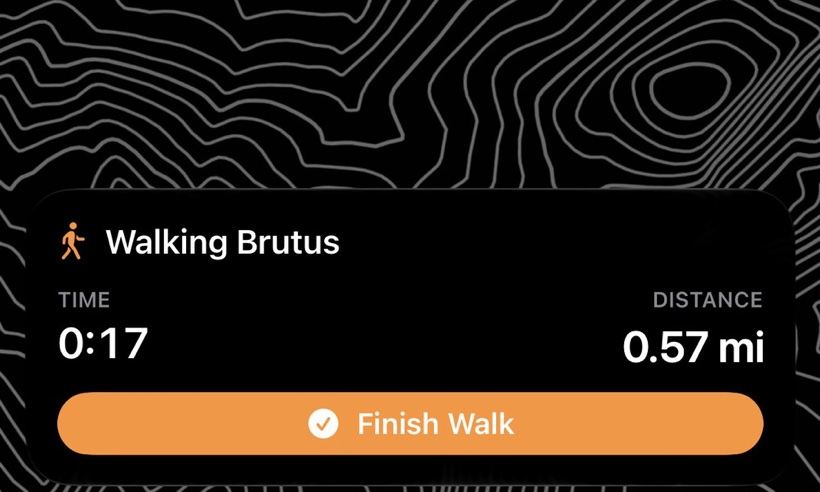
- On the Lock Screen — the walk runs as a Live Activity while it's in progress: live time and distance right on the Lock Screen and in the Dynamic Island, with its own Finish Walk button. Finish without unlocking, leash still in hand.
- On your watch — Finish from the wrist and the phone wraps up the record.
However it ends, the walk lands the same way: mapped, timed, measured, and ready to share or bill.
Minimizing, and the mini bar
A walk doesn't hold the app hostage. The chevron in the walk screen's corner tucks the walk away, and a mini bar rides above the tab bar while tracking continues — the walk's time ticking along wherever you go in the app. Check an owner's number, peek at the schedule, add a dog's note; the walk keeps recording underneath. Tap the mini bar and the walk screen slides back up.
If something interrupts
Field reality is dead batteries and accidental taps, so the walk is deliberately hard to lose:
The phone dies, or the app is force-quit
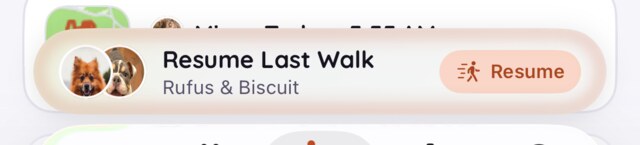
Nothing is lost. The next time the app opens, the interrupted walk is saved and closed off — it doesn't sit in your list reading "in progress" forever, and the route it recorded is kept. And for the next hour a Resume Last Walk bar waits above the tab bar: one tap and you're walking again, on the same record.
Finished by accident
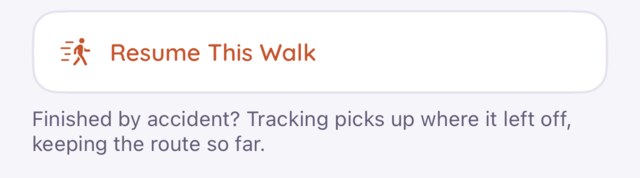
Every fresh walk's page carries Resume This Walk for the next hour: tracking picks up where it left off, keeping the route so far.
Wrong number? On a walk's page, tap the distance or the time to correct it — a bad GPS day, or a Finish that came late. There's no separate edit screen any more: the cost, the note, the breaks and the photos all change right on the page, and sharing sends whatever's there.
On your wrist
The watch app does one job, and it's this page's job: the walk. Leash in one hand, phone in pocket — the whole loop runs from the wrist:
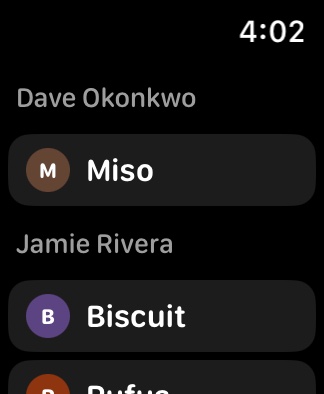
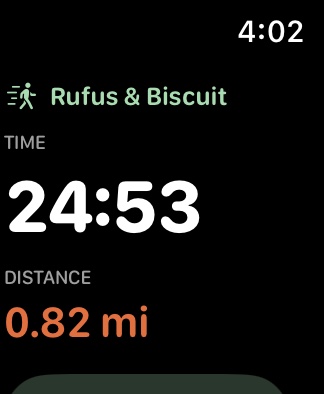
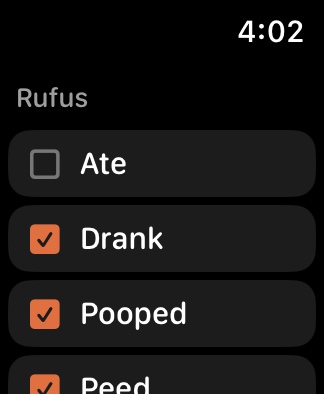
- Start — pick one dog and the walk starts immediately; in a multi-dog household, assemble the pack first, then go.
- During — time and distance tick on the wrist, and bathroom breaks are flagged per dog, same as on the phone.
- Finish — from the wrist, and it lands on your phone as though you'd tapped it there.
The watch is a companion, not a second tracker: your iPhone does the GPS and keeps every record, so bring it along. Wander out of Bluetooth range mid-walk and the watch says so while the walk carries on recording on the phone — the watch catches up the moment you're back together.
Once the walk is done, Getting paid covers what happens to its cost — and as ever, the FAQ has the quick answers and Support is one email away.